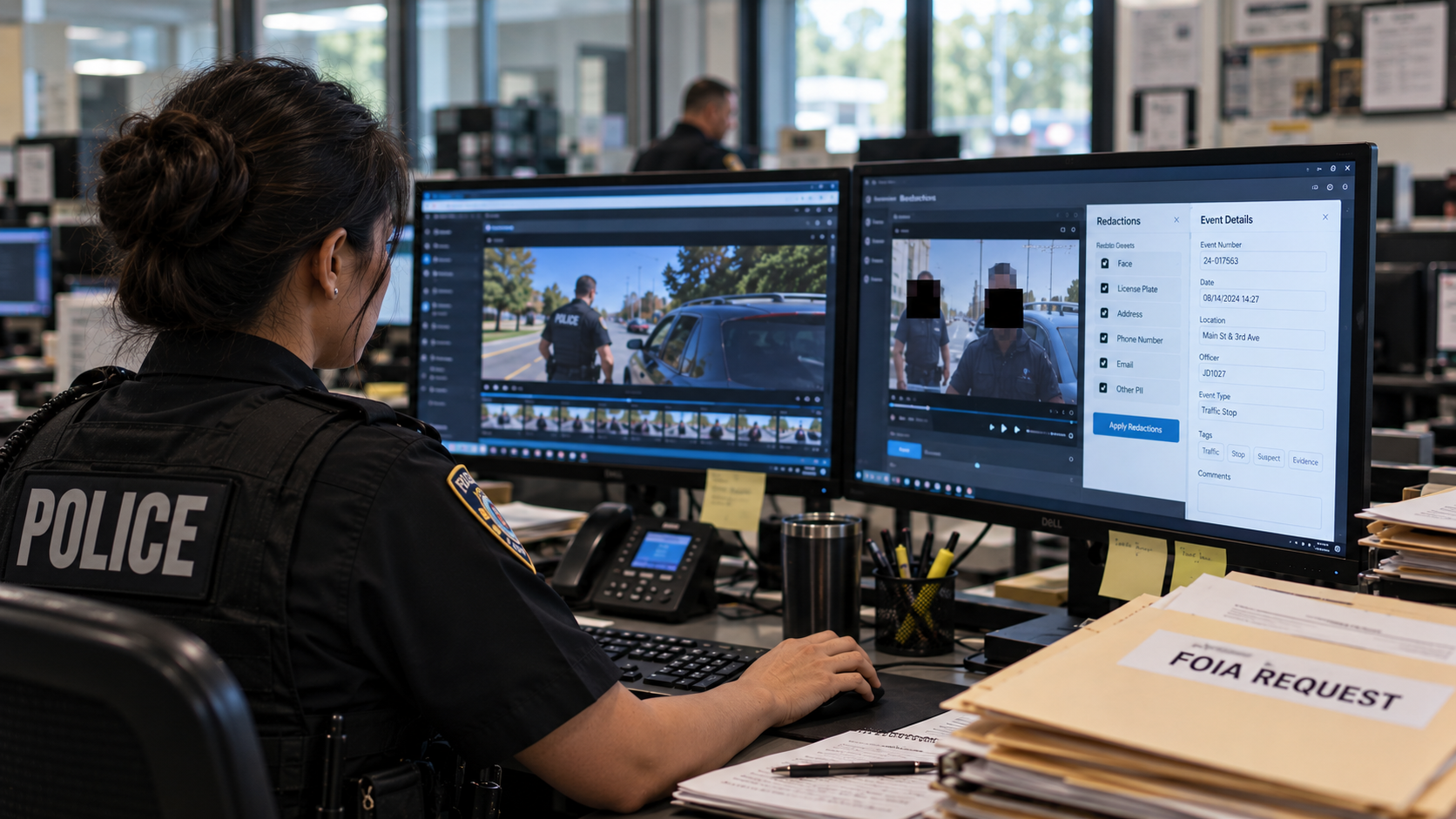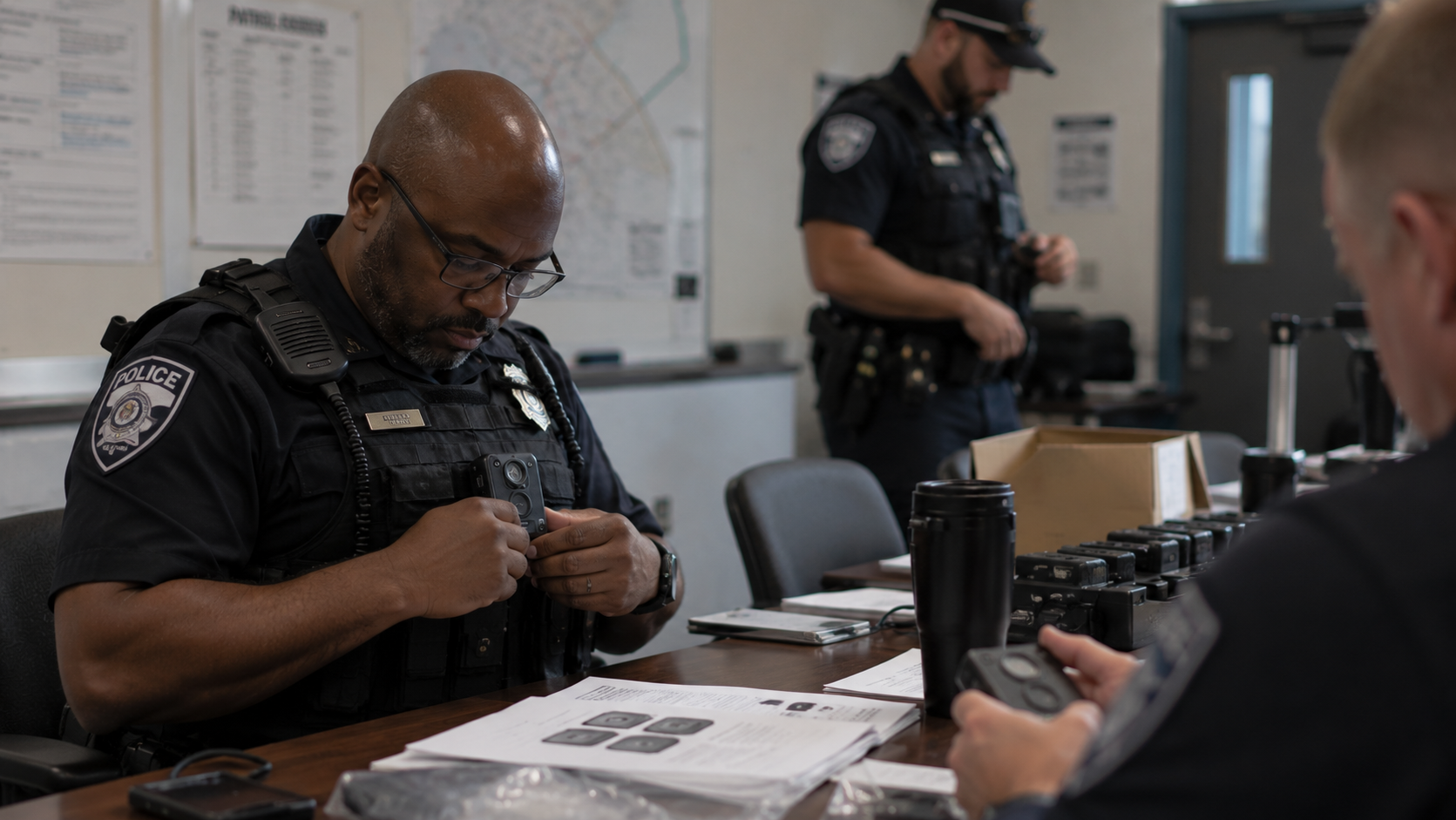
What Happens After You Hit Record? A Step-by-Step Look at Evidence Workflow for Lean Departments
Every chief evaluating body cameras asks some version of the same question: what actually happens after the officer hits record? The demo shows the camera working. It almost never shows the full workflow the department will be managing every shift, every week, for the life of the program.
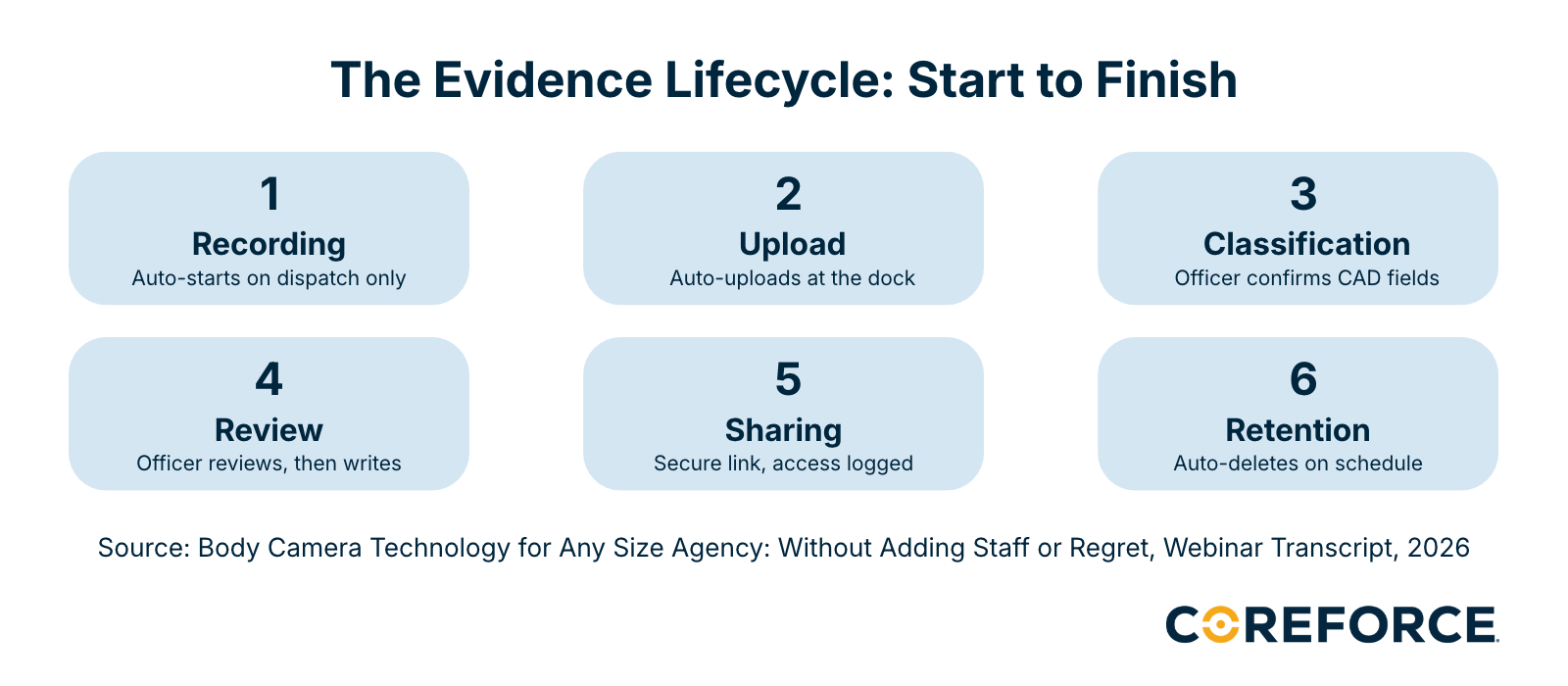
Here is an honest, step-by-step look at how evidence moves through a small department's camera program, based on how agencies exactly like yours are running it today.
Step 1: Recording — When Does the Camera Turn On?
The footage that is missing is almost always the footage that matters most. In high-pressure moments, officers forget to activate. Or they are already physically moving when the interaction begins. Manual activation, where the officer turns the camera on when responding to a call, is the simplest approach and the one with the most consistent gap.
CAD-activated recording eliminates that gap for dispatched calls. When a call comes through dispatch, the officer's camera activates automatically. When the vehicle's emergency lights engage, the in-vehicle camera activates automatically. Chief Wiete at Purdue identified this as one of the most operationally important decisions her department made.
“If they're dispatched to a call, everything's automated. It's very easy for them. They don't have to do a lot of extra work. It's the self-initiated calls where there is still a step for the officer. So it's important for them to understand: these are still steps you have to do when you self-initiate.”

— Chief Lesley Wiete, Purdue University Police Department
One additional feature every chief evaluating cameras should ask about: the pre-event buffer. Most modern cameras record a rolling 30-second clip even when the camera is not formally activated. Whether the system is activated via CAD or manually by the officer, those 30 seconds before activation are already captured.
For a self-initiated stop where everything happens fast, the 30 seconds before activation are often the most important footage in the file.
Step 2: Upload — Ask This Question Before You Sign Any Contract
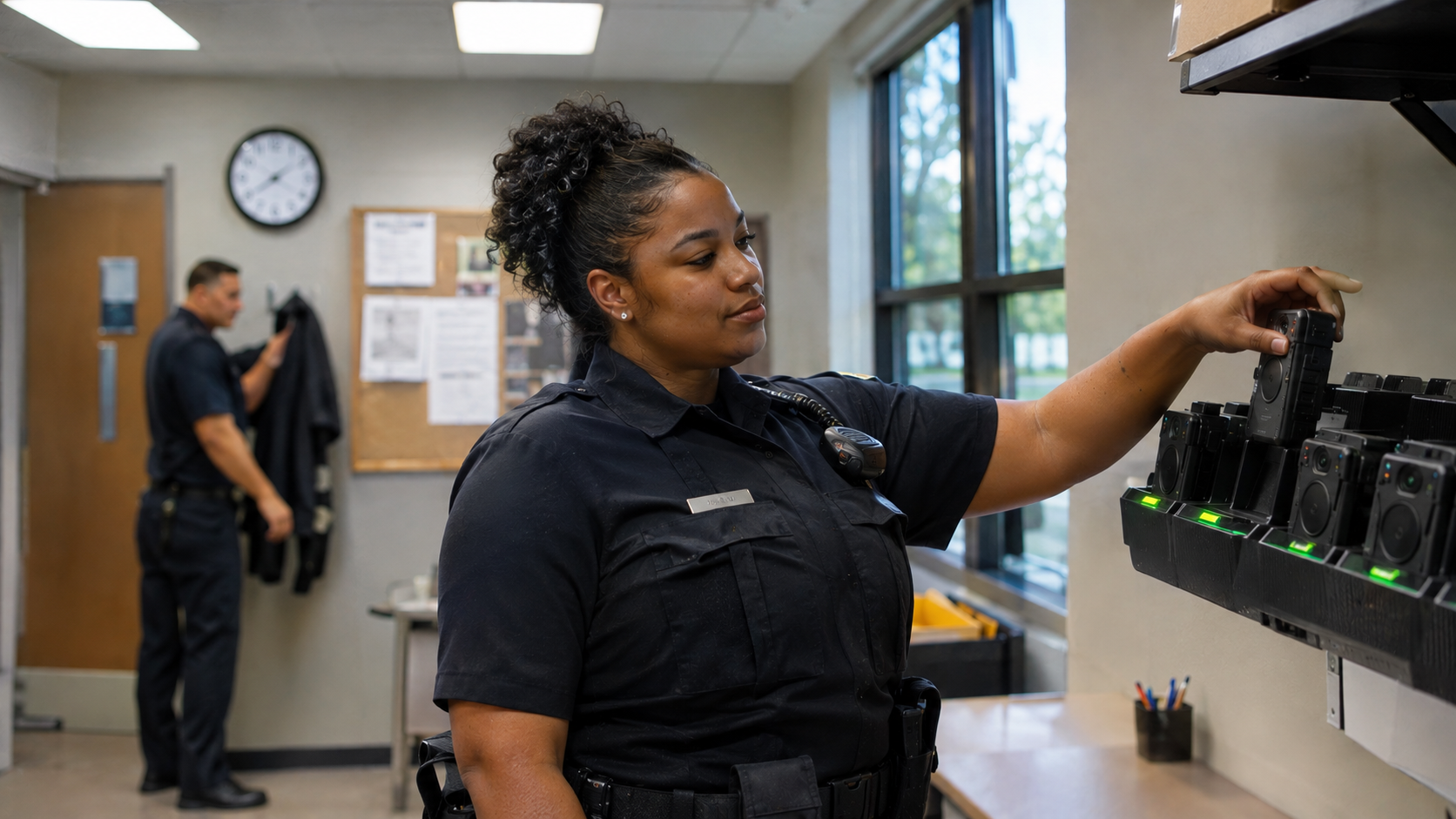
Here is the standard to hold every system to before you commit: when my officer docks their camera at the end of a shift, what exactly do they have to do?
The correct answer is nothing.
In a department without an integrated DEMS, upload is a manual process: officer docks the camera, connects to a workstation, transfers files, logs the transfer. For a 40-officer department, that is a daily administrative task distributed across your entire sworn staff. Time spent on station is time away from not just patrols, but community interaction as well.
In a well-integrated system, the officer docks the camera and walks out. Footage uploads automatically. Files are tagged, timestamped, and stored in the DEMS without any action from the officer or your records staff. That is the baseline a well-designed system meets. If a vendor cannot describe exactly how their end-of-shift upload works and confirm it requires zero officer action, ask again until you get a specific answer.
Step 3: Classification — The Step That Determines Everything Downstream
Classification is the most underestimated step in the evidence workflow, and it is the one that creates the most specific downstream pain when it is not done consistently. Classification is how the department tells the DEMS what kind of footage this is, which determines how long it is retained, who can access it, and how it surfaces in a search.
Get this wrong and the consequences are specific. Arrest footage classified as a traffic stop gets deleted on the wrong retention schedule and may not exist when the prosecutor needs it. Use-of-force video classified incorrectly is a discovery problem the opposing attorney will find before you do. Footage from a case that becomes a lawsuit, retained under the wrong rule, may simply not be there when the subpoena arrives.
“Making sure the officers do categorize properly, because that's a big deal about retention and the type of call you go on. If they don't do what they're required to in your policy, you're potentially losing a case. And if somebody was arrested, that's very detrimental to your integrity alone.”
— Chief Lesley Wiete, Purdue University Police Department
CAD-activated recording with automatic tagging reduces the manual burden significantly. When footage is linked directly to a CAD incident record, classification fields are pre-populated with call type, location, and the officers involved. The officer confirms and completes rather than starting from a blank field. In a busy department on a short-staffed shift, that difference is the one between classification happening consistently and classification being skipped.
Before cameras go live: define your classification categories in writing. Assign a specific retention period to each one. Run every supervisor through real scenarios until they classify the same call the same way without consulting the policy document.
Step 4: Officer Review — Why Your Prosecutors Care About This More Than You Realize
Prosecutors in most small jurisdictions read the incident report before they look at the footage. If the report does not establish probable cause clearly, align the officer's observations with the timeline, and hold together under cross-examination, they will not take the case. Chief Wiete's county prosecutors told her directly: they will not spend time on footage when the report is not solid first.
This is why officer review before report writing is one of the most valuable practices in a well-run camera program. The camera captures exactly what happened. Human memory reconstructs it, and reconstruction introduces error.
“We do encourage officers to review footage before they write their report because you might capture something, or you might think you said or did something, and then you go back and look at the video and it's different. There could be a discrepancy. And if the prosecutor is reviewing it and it doesn't line up with what the report says versus what the video shows, that is an issue.”
— Chief Lesley Wiete, Purdue University Police Department
There is a policy question here that needs to be resolved before cameras go live: if an officer reviews their footage and it contradicts something in their initial notes, what are they required to do? Are they required to note in their report that they reviewed footage before writing? What if the contradiction is material? Build those answers into your policy before your first officer is sitting with footage in front of them at 2am trying to figure out what the right thing to do is.
Step 5: Sharing — The End of the DVD
Without a DEMS, getting footage to a prosecutor means burning a DVD, labeling it, logging the chain of custody, and physically delivering it. Same process again for defense counsel. And when a prosecutor later claims they never received it, your documentation is a paper log and their word against yours.
In a connected DEMS, sharing is a credentialed link. The prosecutor logs in and accesses exactly the footage they need. The system timestamps when they accessed it, how long they viewed it, and whether they downloaded it. That access log is part of the chain of custody automatically, without any manual documentation step.
“It used to be that prosecutors would claim they never received it. With these audit trails, it can actually prove that you provided it, that they received it, and in cases, that they actually opened it as well.”

— Chief Mark Swistek, Long Beach (IN) Police Department
For a small agency where the relationship with the prosecutor's office is direct and ongoing, this changes the dynamic of every case. When your evidence is organized, accessible, tracked, and defensible, you are a partner they rely on. When it is not, you are a liability they work around.
Step 6: Retention and Disposition — What Stays, What Goes, and Who Is Responsible
Every piece of footage your cameras capture is subject to a retention period set by your state law, your department policy, and the footage classification. Arrest footage stays longer than routine traffic stop footage. Use-of-force footage has its own schedule. When footage is held past its required period, storage costs accumulate. When it is deleted before the required period, you have a compliance and potential discovery problem.
Automated retention enforcement handles this without any staff involvement. The DEMS applies the correct retention rule to each classified file and disposes of footage automatically when the period expires, with an audit log of every deletion. Nobody is manually tracking expiration dates across thousands of files.
Understanding the volume before you go live matters. A frequently cited illustration: a 25-officer department running cameras 32 out of every 40 hours on shift, 46 weeks a year, generates an estimated 36,800 hours of footage per year potentially subject to public records requests. [1] With automated retention management, that number is handled by the system. Without it, it is a full-time records job that nobody on your staff was hired to do.
Sources
[1] Val Van Brocklin, Police1/Gov1 — “Body Cameras: Public Records and FOIA Requests,” December 2019 (illustrative footage-volume calculation: 25 officers, 32 of 40 hours per week, 46 weeks per year) https://www.gov1.com/legal/articles/body-cameras-public-records-and-foia-requests-kfEBfOyHJOJk7ZG6/
[2] Body Camera Technology for Any Size Agency: Without Adding Staff or Regret
Webinar Transcript— Chief Mark Swistek, Chief Lesley Wiete, Sheriff (Ret.) John Boyd, 2026 https://www.coreforcetech.com/resources/body-camera-technology-for-any-size-agency-without-adding-staff-or-regret
Hear the Rest of the Conversation
The chiefs quoted in this article go deeper in the full discussion: avoiding missed recordings, keeping evidence handling from burying staff, and what to decide in the first 30 days.
The demo shows the camera working. It rarely shows the workflow you’ll manage every shift. Here’s what happens after you hit record.
See What Your Officers Do at the Dock
Bring this article’s questions to a demo. See automatic activation, zero-touch upload, and tracked sharing in one system built for lean departments.